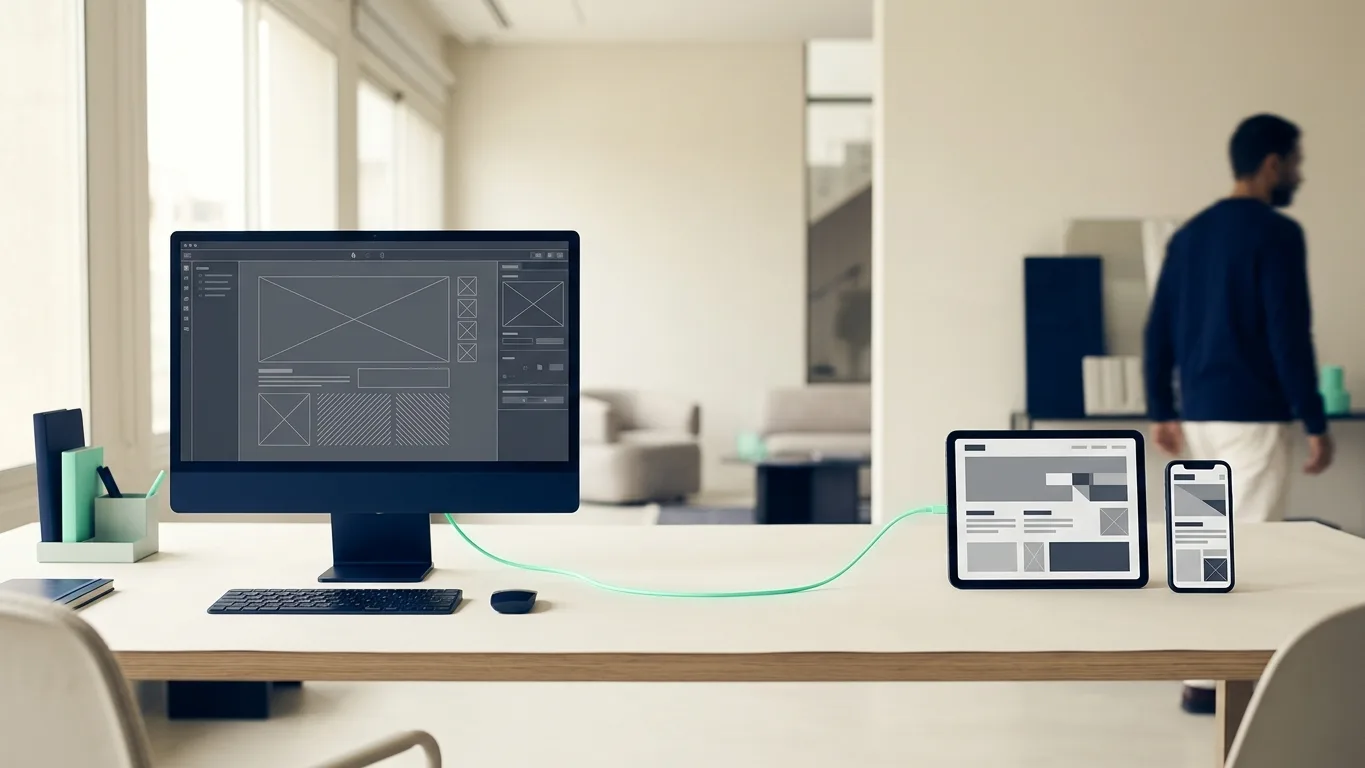
In a standard WordPress site, one system stores the content and also renders the pages through a PHP theme. A headless setup splits the two. WordPress becomes a content backend only, and a separate front end, often built with Next.js, Astro or Nuxt, fetches the content through the WordPress REST API or WPGraphQL and renders the pages. Editors keep the familiar WordPress dashboard, and visitors never reach WordPress directly.
When it makes sense
- The same content must reach several channels, such as a website, a mobile app and in-store screens.
- The front end needs app-like interactions or performance targets that are hard to reach with a heavy theme and many plugins.
- Your developers already work in React or another JavaScript framework and want one stack for the website and the app.
- The site must stay up under heavy traffic. A statically generated front end on a CDN keeps serving pages even when WordPress is slow, and the WordPress admin can be kept off the public domain.
What you give up
Many WordPress plugins assume they control the front end: page builders such as Elementor, form plugins, sliders and membership tools. In a headless build their output does not appear on the site, so each feature must be rebuilt in the front end or replaced with something that exposes its data through the API. SEO plugins such as Yoast SEO can expose their metadata through the REST API, but the front end still has to output it. Draft previews need extra setup, and you now run two systems with two deployments and two hosting bills.
When to stay with classic WordPress
For a company site, a blog or a WooCommerce store run by a marketing team that relies on page builders and plugins, a well-built classic theme with good hosting and caching is usually quicker to build, cheaper to run and easier to hand over. Many slow WordPress sites are slow because of bloated themes and too many plugins, not because of WordPress itself, and that can be fixed without changing the architecture.
Go headless when the front end has needs a WordPress theme cannot meet, not because the architecture sounds modern.